 DayAlbum
Pick your travel dates
all at once.
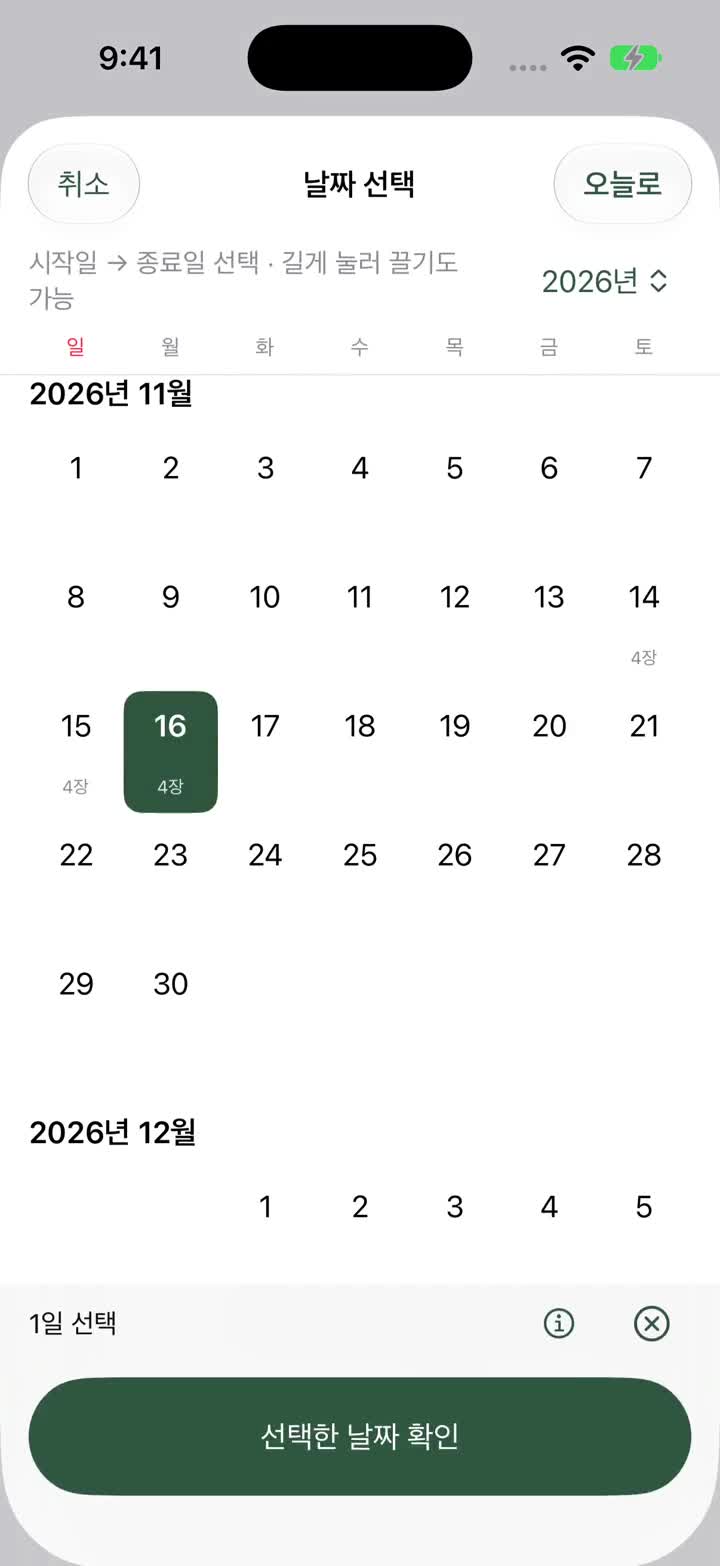
Select start and end dates to include everything in between.
Check country indicators like Spain and Portugal.
Pick dates, gather photos, and save to iPhone albums.
This is a beta version. Feel free to reach out with any feedback. We will share updates when the official release is ready.
iPhone iOS 18 or later · Android 11 or later
Scroll down to see the organizing process
Demo screens are in Korean. In-app multilingual support is coming soon.
Select start and end dates to include everything in between.
Check country indicators like Spain and Portugal.
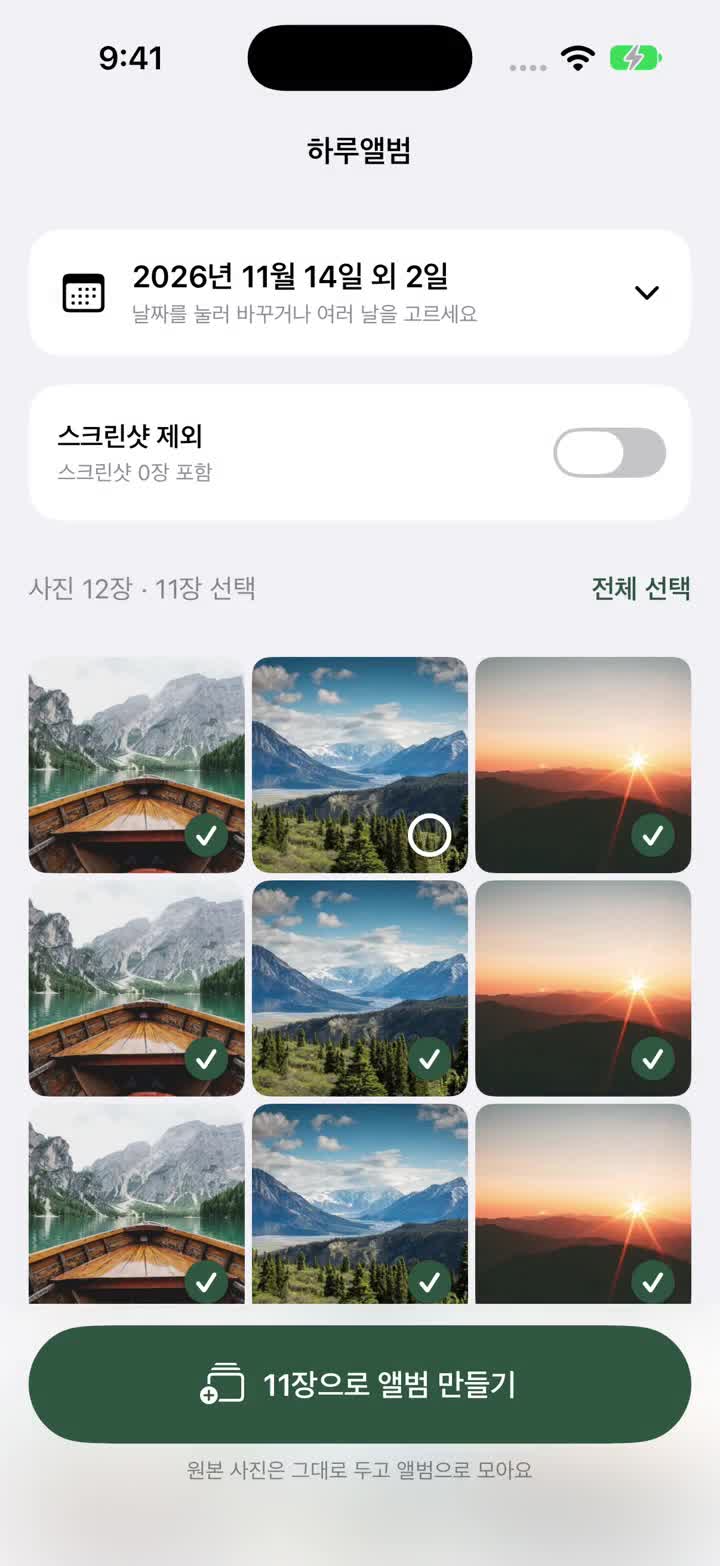
Drag horizontally to select multiple items at once,
and exclude screenshots with a single switch.
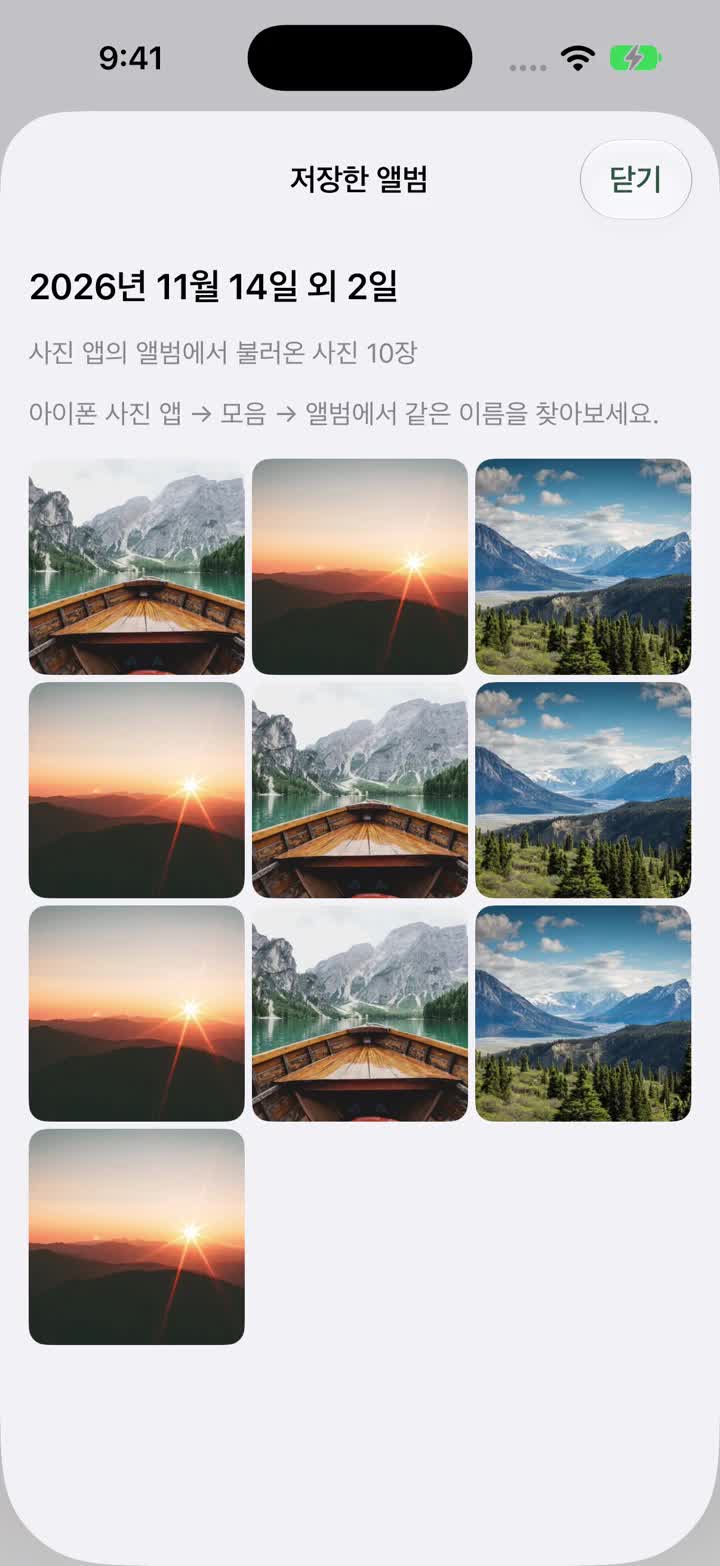
Name your album to create it in the iPhone Photos app.
Your original photos remain untouched.
Indicates countries based on photo locations
November 2026Includes 2 screenshots


When you want to organize travel photos by date.
Pick your desired days, exclude screenshots,
and save as an album in the iPhone Photos app.
iOS 18 or later · Currently testing on TestFlight.
Select a single day or a range of start and end dates to load photos. You can also drag horizontally across the calendar to select dates.
Turn on screenshot exclusion after loading photos. Expand additional filters to choose favorites only, include/exclude selfies, or select Live Photos only.
Name and save your album to view it in the iPhone Photos app. If exactly one album already has that name, photos are added to it. Photos already in that album are not added again.
Gather photos into albums without deleting or duplicating them. Photos and location data are processed locally on your device.
It is determined by the location saved in the photos. This may differ from actual visits, and country names are not guessed for photos without location data. You can view photos and coordinates in the country confirmation screen to hide or restore the indicator.
Only allowed photos can be loaded. To find all photos for a specific date, please allow full photo access in your iPhone Settings.
Yes. Original photos remain intact and are linked to the album in the Photos app. Creating an album does not delete originals or move them to another folder.
Currently, albums are created by manually selecting dates and photos before saving. Scheduled or background auto-organizing features are not provided.
Android 11 or later · Test APK 1.0 (20)
Download and open the file on your Android phone, then follow the prompts to enable 'Allow installation from this source' and install.
Cannot be installed on iPhone.
You can select dates, exclude screenshots, and use favorite and folder filters.
Choose between copy or move when saving an album.
Copy keeps originals and uses extra storage, while move relocates them from the existing folder to the album folder.
Find your created album by its thumbnail and name in the 'Recently Organized Album' card.
Indicates traveled countries on the calendar based on photo locations.
Selfie and motion photo filters are not supported.
Uninstalling the app removes in-app albums, but original photos and gallery copies remain.
Google Play public testing is currently unavailable. Please install via the latest APK above.
You can join the TestFlight public beta. This is a pre-release version before the official App Store launch.
This is a beta version. Feel free to reach out with any feedback. We will share updates when the official release is ready.
If you have questions while using the app, Support (in Korean), please let us know.